Cozybyte for the press,
in a few words.
Writing about Cozybyte? Here are two descriptions you can use as they are, the names to use, the images the site itself uses, and where to send a question.
Short description (50 words)
Cozybyte is consumer Windows help for a household. Its assistant, Bit, looks over a Windows 11 PC, explains what is wrong in plain words, and fixes it once you say so. Free checks the PC and makes Bit's one-click fixes. Plus, the paid tier, adds help with anything you describe.
Long description (150 words)
Cozybyte is consumer Windows help for a household. Its assistant, Bit, looks over a Windows 11 PC, tells the person what is wrong in plain words, and fixes it once they say so. Bit shows what it checked and exactly what it would change, asks before every change, and never opens documents, photos, browsing history or passwords. Most fixes can be undone with one click, and Activity lists everything Bit changed. The Free plan keeps checking the PC in the background, explains what it finds and makes Bit's own one-click fixes on a yes. Plus, the paid tier, adds help with anything the person describes, Fix it for me, where Bit handles small, safe fixes on its own, and app updates. Whoever sets Cozybyte up for a parent looks after the account, and the person at the PC says yes to each fix. The site and app speak seven languages.
Names and facts
Please use the names as written here.
- Product: Cozybyte, one word with a capital C.
- Assistant: Bit, the robot you tell what is wrong with your PC.
- Plans: Free, and Plus, the paid tier.
- Made for Windows 11, for one computer or a household.
- Languages: seven, following each device's own language.
Bit and brand images
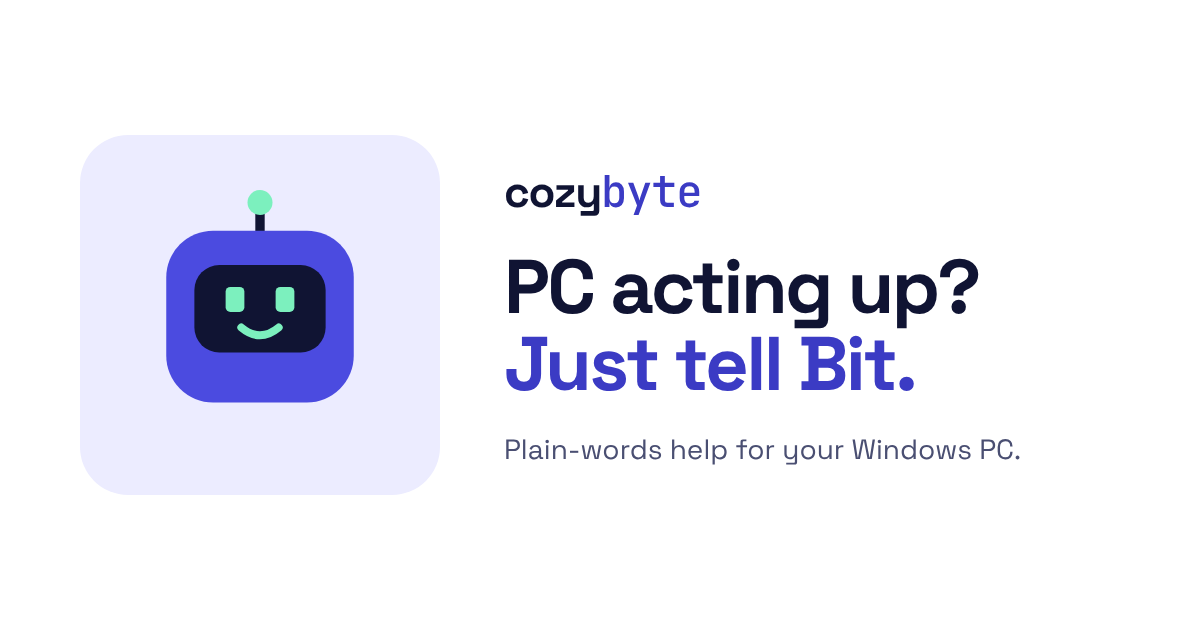
These are the images the site itself uses. Save one from its link under the picture.


Press contact
Questions from the press are welcome. Start at Help & support, where you can also find the support email address.
Questions? Read the help answers, or see how it works.